Blogger Posts Not Indexing On Google
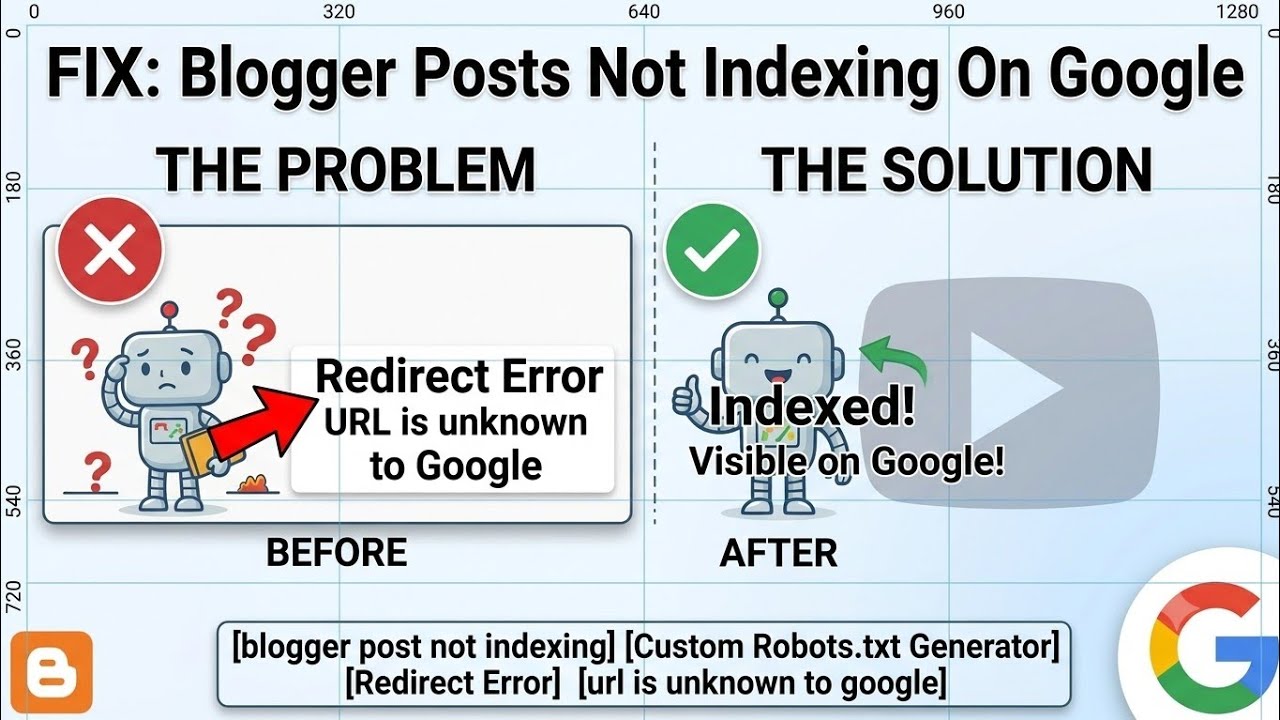
If your Blogger posts are not indexing due to "Redirect Error" or "URL is unknown to Google" in Google Search Console, you are not alone. These two errors primarily occur when Googlebot faces difficulty crawling and processing your blog pages correctly.
To help you fix this issue permanently, I have embedded a detailed tutorial video below in this article, where I have explained the complete solution step-by-step.
Watch Step-by-Step Video Tutorial
Click to play full tutorial on YouTube
Custom robot.txt Generate For Blogger :- Generate Here
What Causes These Indexing Errors?
- Incorrect Sitemap Configuration: If you have submitted an incorrect or default sitemap in Google Search Console, Googlebot will fail to crawl your blog posts properly. This is the primary reason why Search Console shows 'URL is unknown to Google' or 'Redirect Error'.
- Mobile URL Redirection (
?m=1): Blogger automatically appends ?m=1 to URLs for mobile devices. This canonical redirection sometimes triggers a temporary redirect error until Google processes the main desktop URL.
How to Fix the Issue (Covered in the Video)
In the embedded video, I have covered every single detail you need to resolve this issue:
- Generating a Special Blogger Sitemap: Standard sitemaps often fail for blogs with custom setups or higher post counts. In the video, I have shown how to generate a specialized sitemap tailored specifically for Blogger.
- Adding the Sitemap to Search Console: Step-by-step demonstration on how to remove your old, broken sitemaps and correctly submit the newly generated one.
- Submitting Posts for Indexing: How to use the URL Inspection tool in Search Console to manually request indexing for individual posts after updating the sitemap.
Quick Step-by-Step Summary
- Watch the Video: Follow the instructions in the video above to generate your blog's special sitemap.
- Update Search Console: Log in to Google Search Console, delete any existing sitemaps, and add the new sitemap URL.
- Request Indexing: Go to the URL Inspection tool, paste your post link, click Test Live URL, and then click Request Indexing.
How Long Does It Take to Get Indexed?
After submitting the special sitemap and requesting indexing manually, Google typically crawls and indexes your blog post within 1 hour.
Note: Make sure to watch the full video and follow all the steps carefully to ensure your Blogger indexing issues are fixed permanently.